












A cleaner way to modernize the Audi A3 cabin
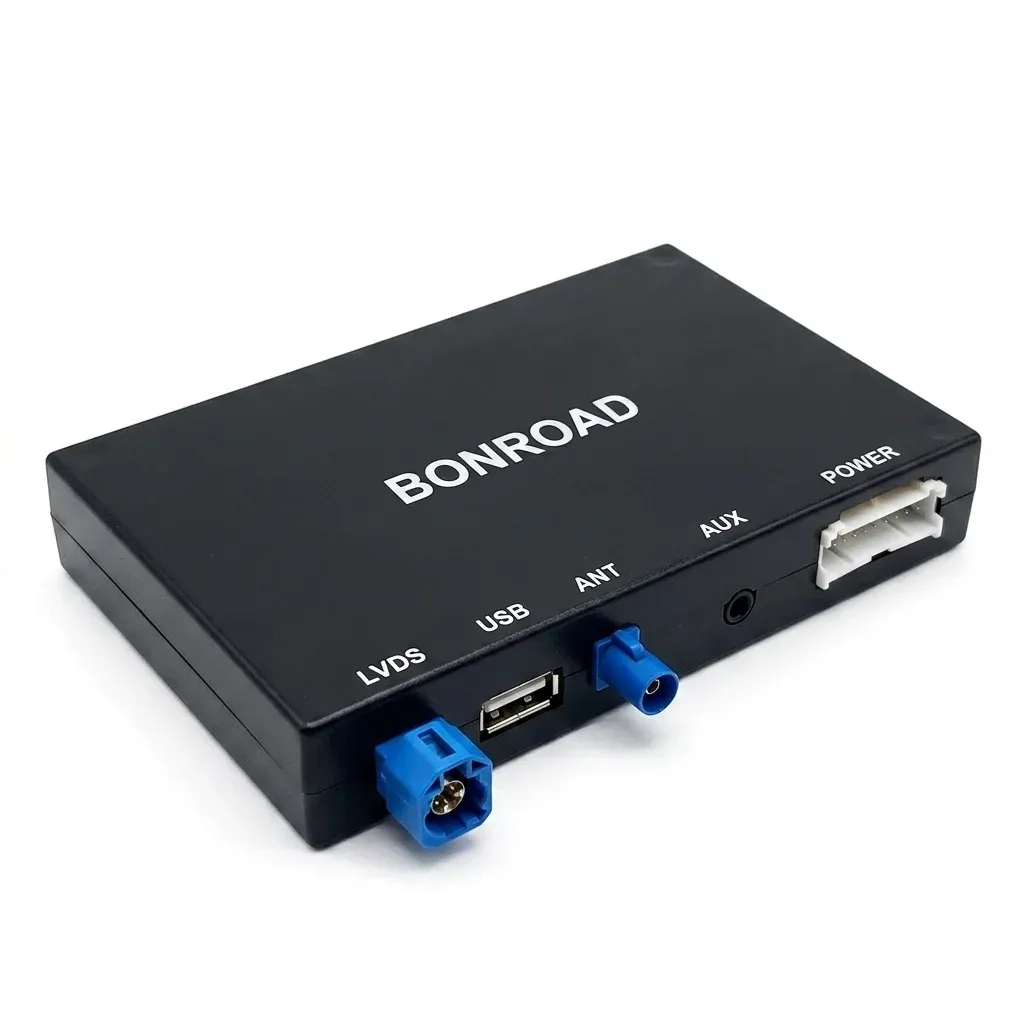
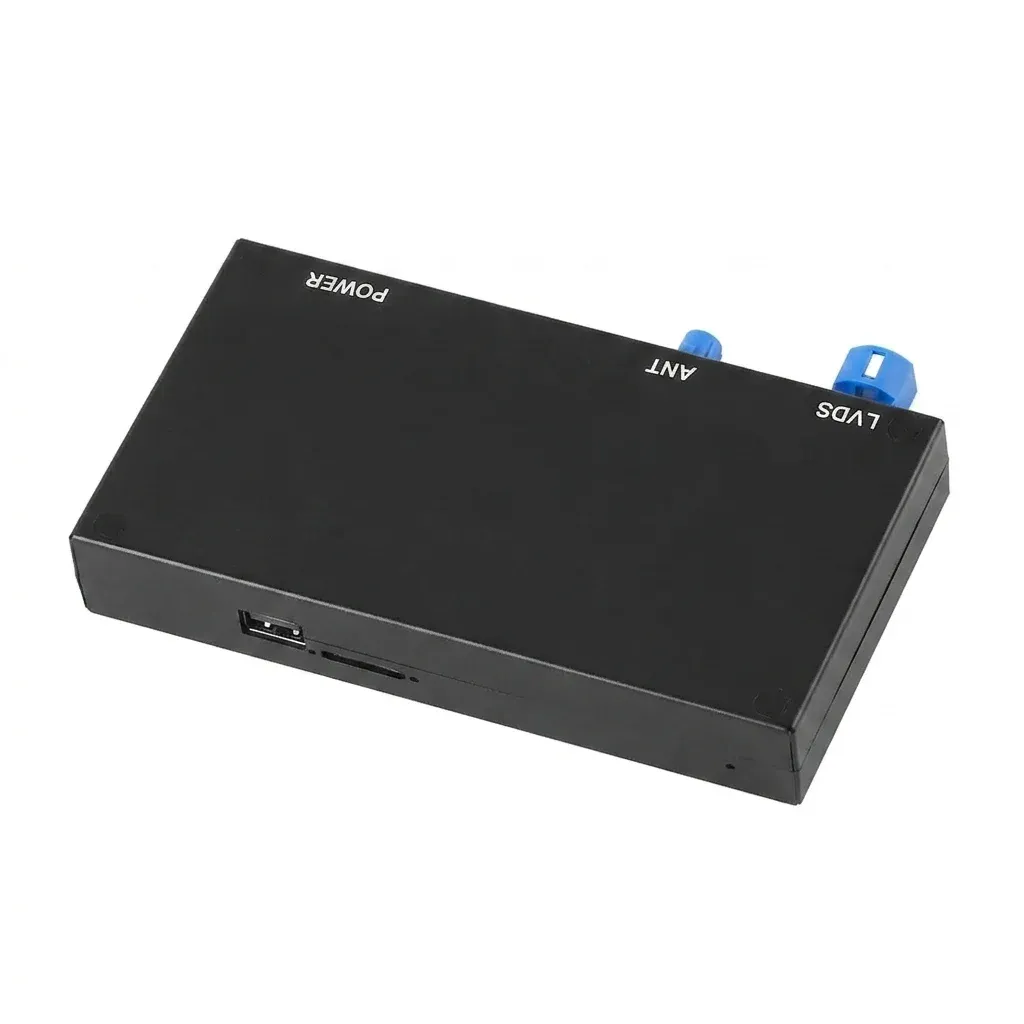
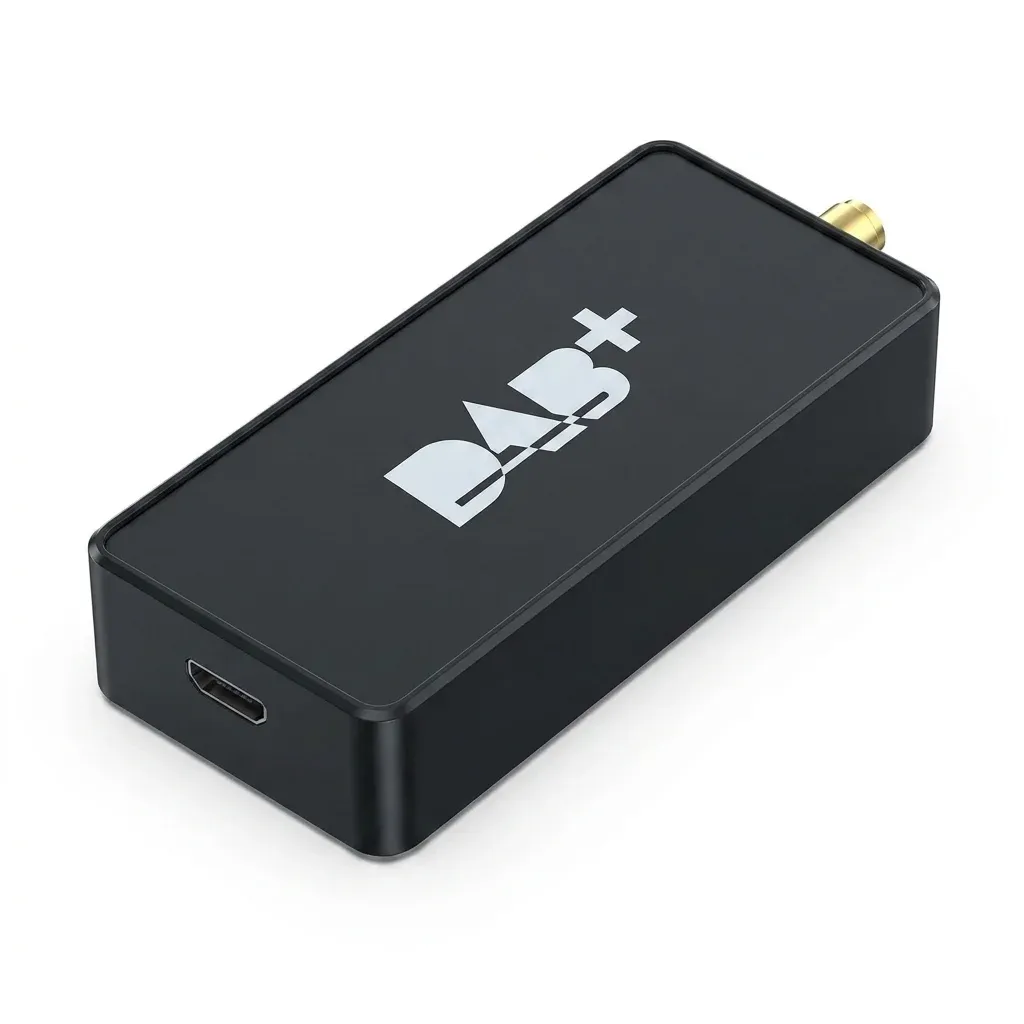
The main problem this unit solves is simple: older Audi A3 8V infotainment systems can feel dated even when the rest of the car still feels sharp. BONROAD’s interface box upgrades the original screen instead of replacing it, so you keep the factory look while getting wireless phone integration.
That approach matters in the AliExpress car accessories niche because it avoids the bulky aftermarket-screen look many drivers want to skip. According to users, the result feels like a refresh rather than a modification, which is exactly the point for a premium interior—so how does it fit into the car’s existing system?
What the screen-size versions mean in real use
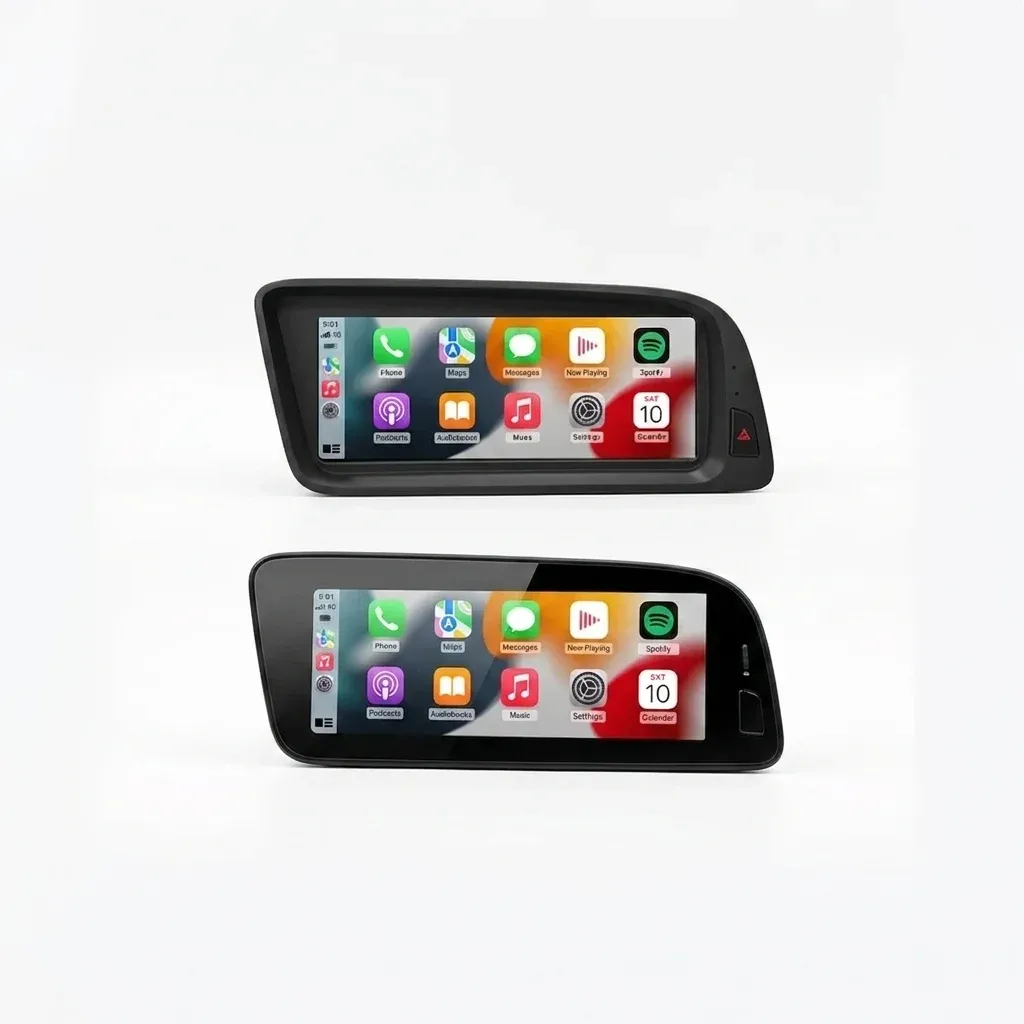
This is not a universal plug-and-play gadget, and the product page is clear about that. You need to match the correct version to your display size, with different choices for 5.8/6.3-inch, 7-inch CLU, and 8.3-inch CLU layouts, which is the detail that decides whether the install goes smoothly.
That sizing logic is useful because it tells you the box is designed around Audi’s original architecture, not a one-size-fits-all decoder. If you are unsure, the seller recommends checking the visible display size rather than the full panel, and that single step can save a lot of troubleshooting later—what else should you expect from the interface itself?
Wireless CarPlay and Android Auto without changing the dashboard
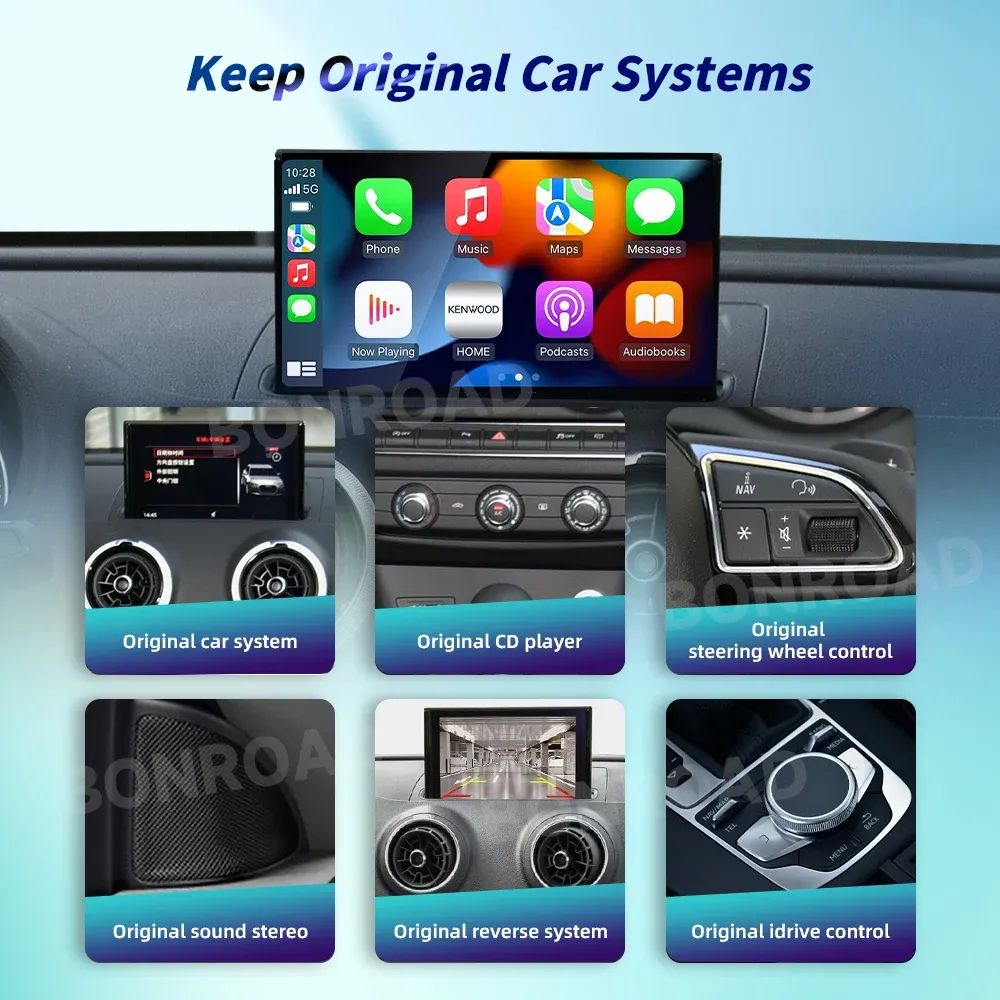
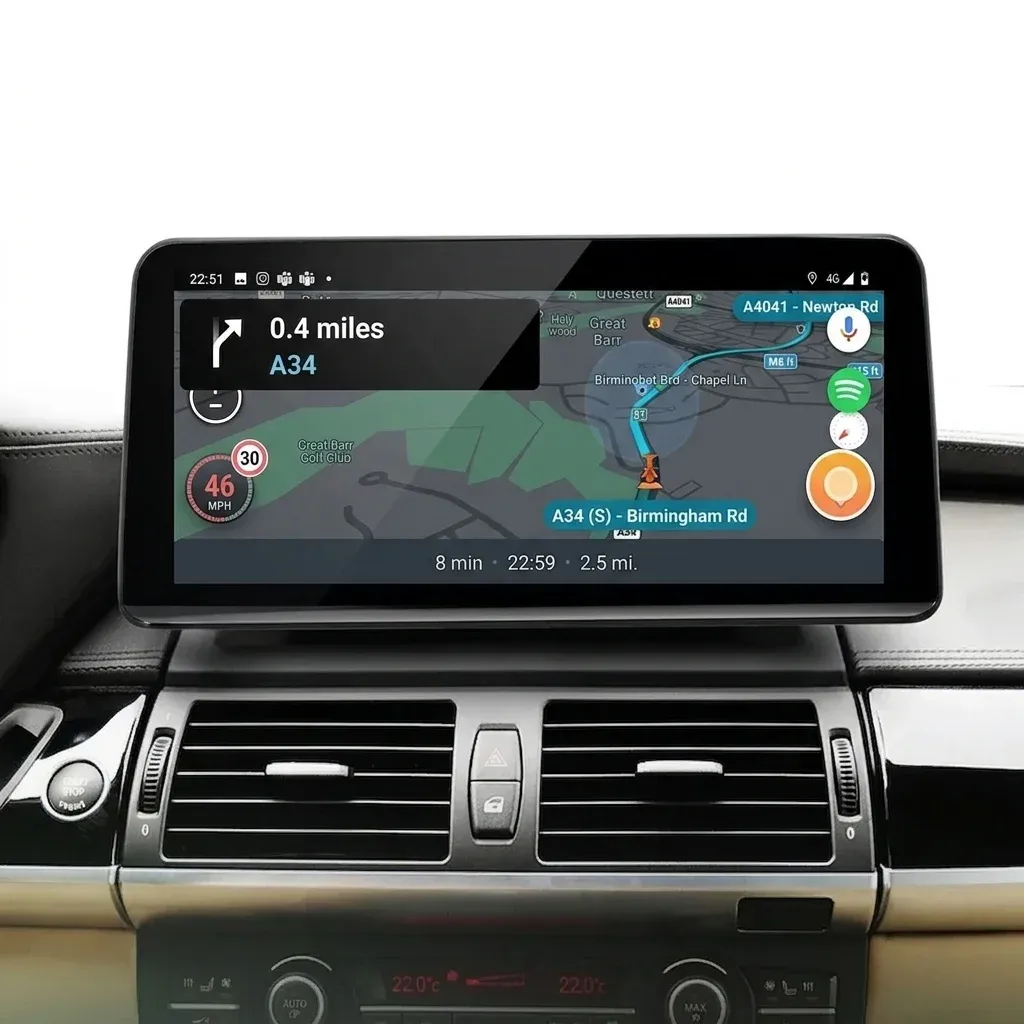
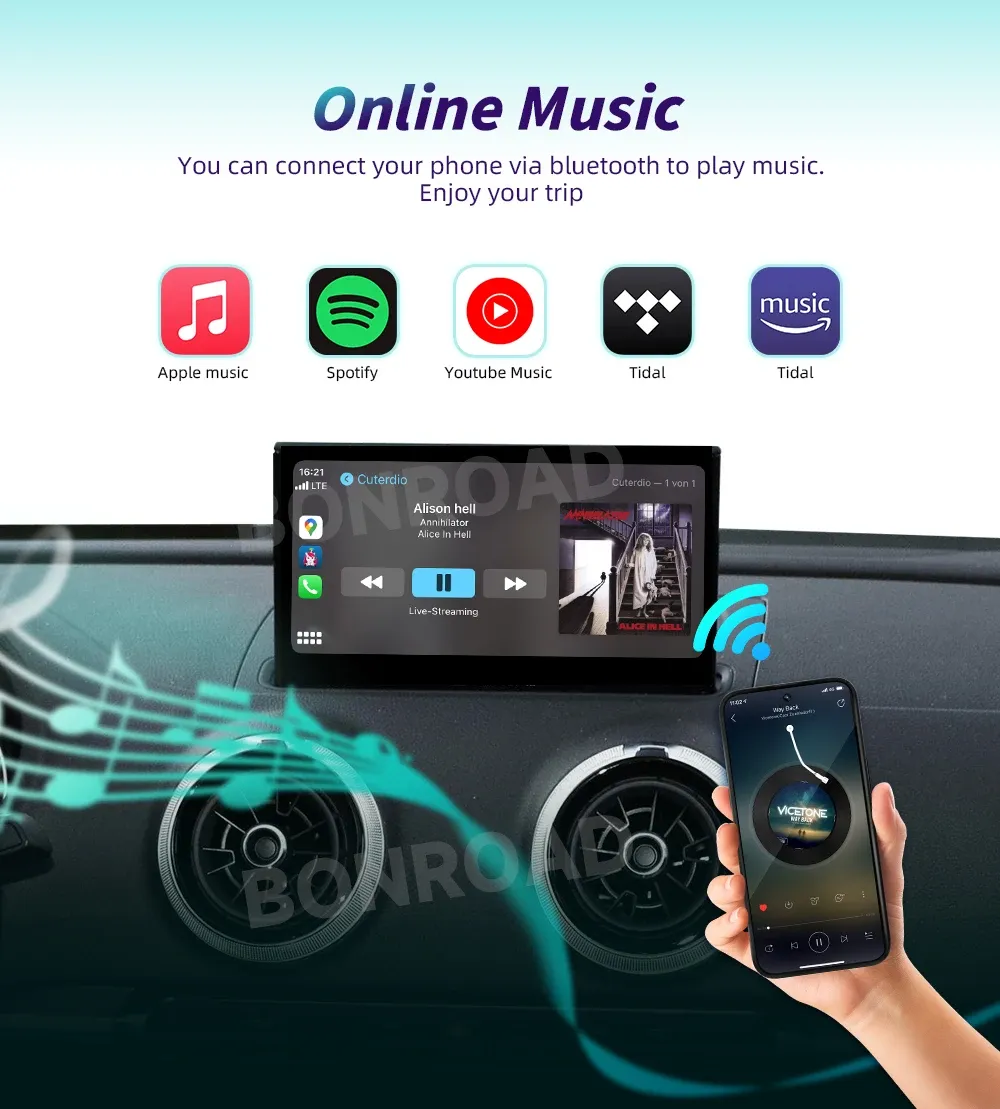
The most valuable feature here is wireless phone mirroring for daily driving. It lets the phone stay in a pocket or bag while navigation, calls, and music appear on the factory screen, which removes the cable clutter that usually builds up around the center console.
For commuters, that means less friction every time the car starts, and for longer trips it means quicker access to maps and playlists. The addition of Bluetooth navigation, mirror link, and USB video support gives the box more flexibility than a basic CarPlay-only adapter, so the next question is how it handles camera integration.
Reverse camera support and video input: the practical upgrade
Reverse-camera compatibility is one of the strongest reasons to choose a retrofit interface over a simple wireless dongle. On a car like the A3 8V, camera integration can make the system feel much newer because the display becomes more useful in parking lots, garages, and tight urban spaces.
USB video input also broadens what the unit can do beyond smartphone mirroring, which is useful for drivers who want multimedia playback on the factory display. That said, this is still an interface decoder box, not a replacement head unit, so the original screen quality and menu structure remain part of the experience—does that limitation matter in day-to-day use?
Factory-style integration versus a full screen replacement
Compared with a full aftermarket head unit, this solution keeps the Audi design language intact and usually feels more OEM once installed. That is a real advantage for owners who care about dashboard fit, steering-wheel control continuity, and the clean visual line of the original interior.
Real customer feedback is strong, with a 5.0 average from 9 reviews and comments describing fast setup and smooth operation. That is a small sample, but it supports the idea that the box is delivering the kind of stable, low-drama upgrade buyers expect from a good retrofit module—so who is it best suited for?
Who should consider it first
This BONROAD unit makes the most sense for Audi A3 8V owners who want modern phone features without giving up the factory screen. It is especially relevant if the car already feels mechanically solid but the infotainment system is holding it back.
It is less attractive for drivers who want a completely new interface, bigger display, or a simplified universal install. For the right Audi trim, though, it offers a balanced mix of convenience, integration, and original-cabin preservation that is hard to match with generic media boxes.