












Turns a compatible factory screen into a smarter hub
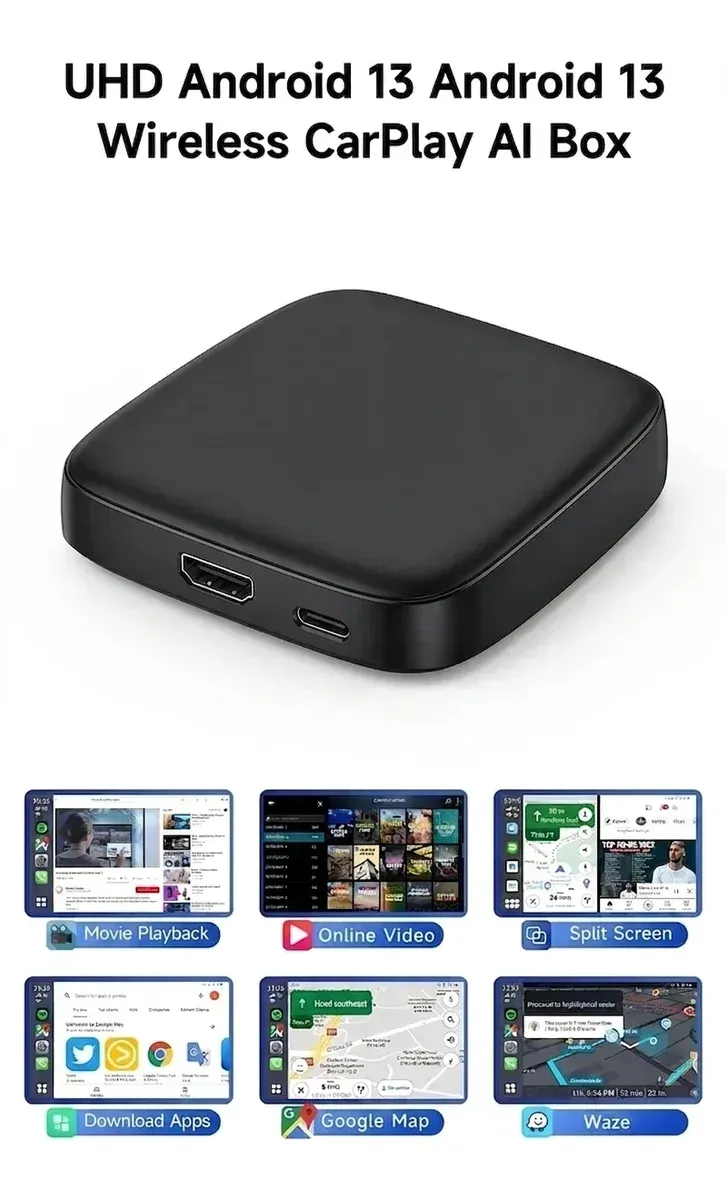
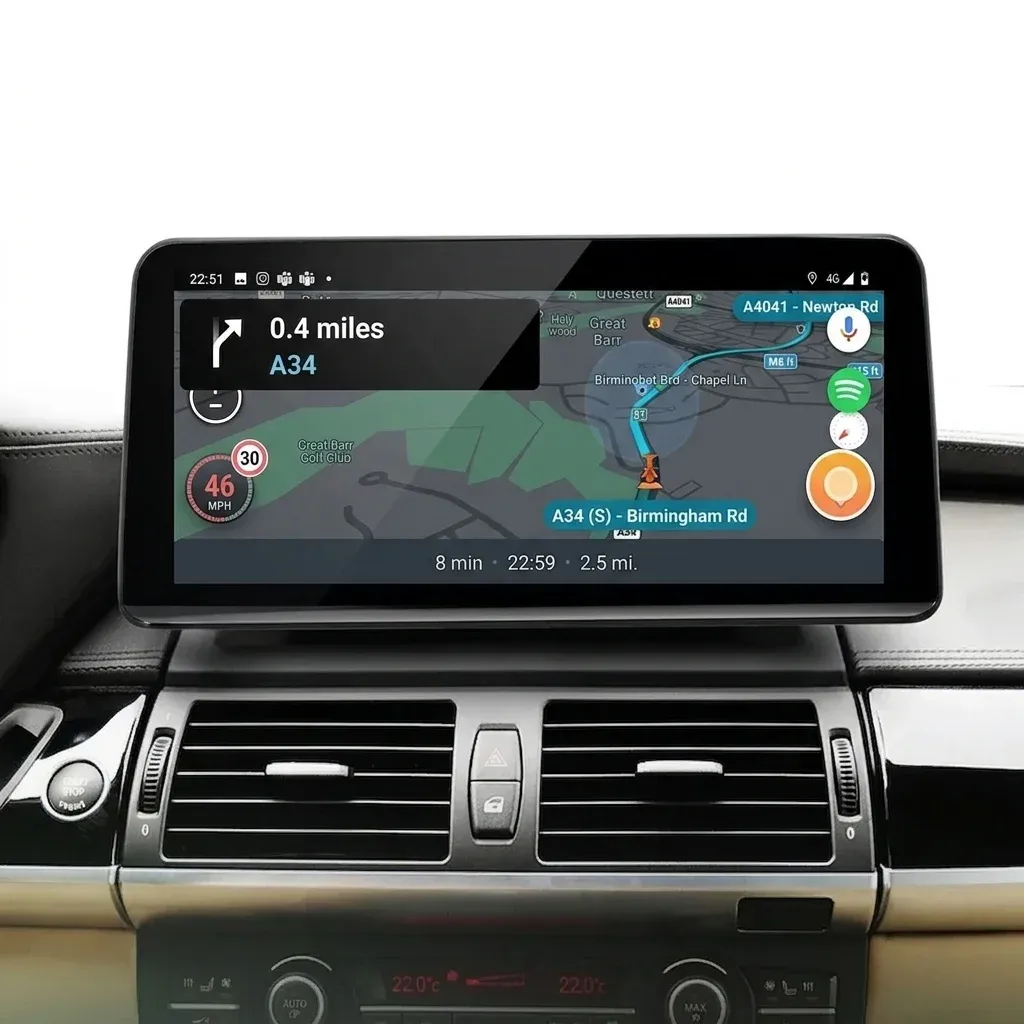
This LEXXSON AI box solves a familiar problem: many factory infotainment systems have the right screen but not the apps or wireless convenience drivers now expect. Plug it into USB, and it extends a CarPlay-enabled head unit with wireless CarPlay, Android Auto, and Android-based app access in a box that weighs almost nothing.
That makes it a practical retrofit for owners who want navigation, music, and streaming control without swapping the whole radio. The catch is compatibility, because the unit only works with cars that already support CarPlay, so the real question is how well it behaves once connected.
USB connection with a low-profile footprint
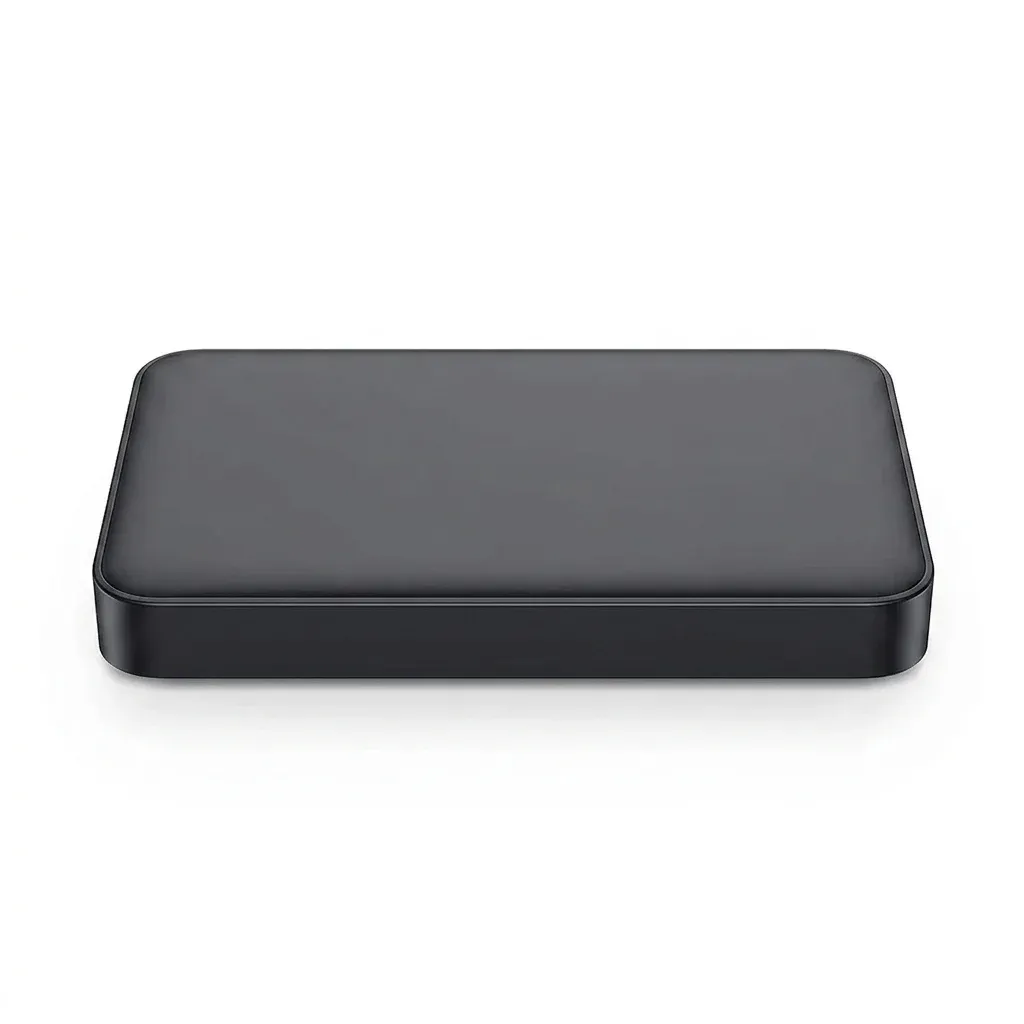
The hardware is simple in the best way: one USB interface, no built-in screen, and a compact 2.5-inch footprint that keeps the device out of sight. In daily use, that means fewer cables hanging around the cabin and less visual clutter near the console.
At 0.14 kg, it is light enough to stay discreet even in tight dash layouts. Users who prefer a clean OEM look will appreciate that it does not replace trim pieces or demand a major installation, which is a strong advantage over full head-unit swaps.
Android 13 and app access: where the value shows up
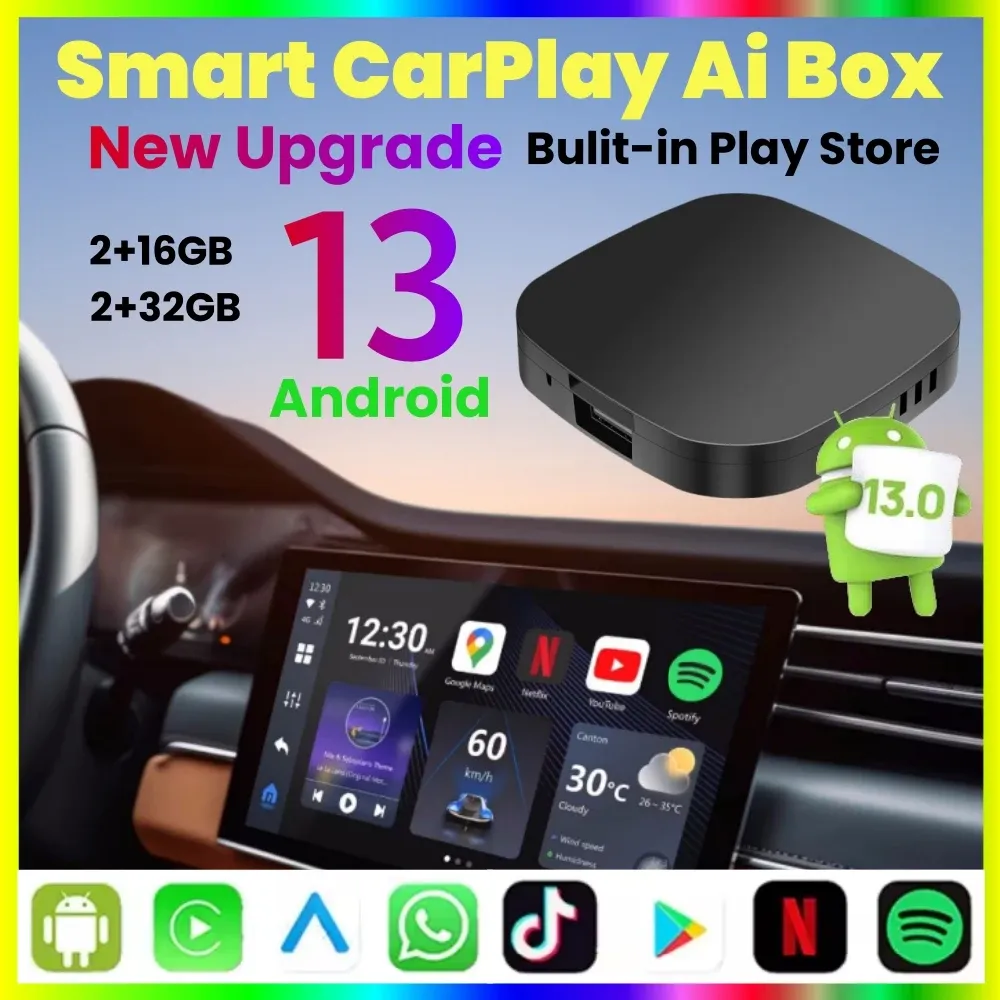
The Android 13 platform is the main reason this box stands out in the AliExpress United States catalog, because it gives the system a more flexible software layer than a basic wireless dongle. Built-in Play Store support means compatible apps can be installed directly, which is useful for drivers who want more than phone mirroring.
That said, app behavior depends on the vehicle screen, the car’s original CarPlay implementation, and the box’s firmware stability. Real customer feedback suggests the core wireless connection can be fast and smooth, while a few users reported app limitations or brief dropouts, so expectations should stay grounded.
Wi-Fi band support helps with streaming stability
The built-in Wi-Fi antenna supports 2.4GHz and 5GHz transmission, which matters when the box is handling wireless CarPlay, Android Auto, and media loading at the same time. In practice, dual-band support usually helps reduce lag and keeps menus feeling more responsive when the cabin is crowded with wireless signals.
That is especially relevant for streaming apps such as Netflix and YouTube, where a stable connection affects how quickly thumbnails load and how cleanly video starts. Some buyers should note that video access can depend on the car’s screen policy and the phone pairing mode, so the experience is not identical across all vehicles.
Best for OEM-style upgrades, not full infotainment replacements
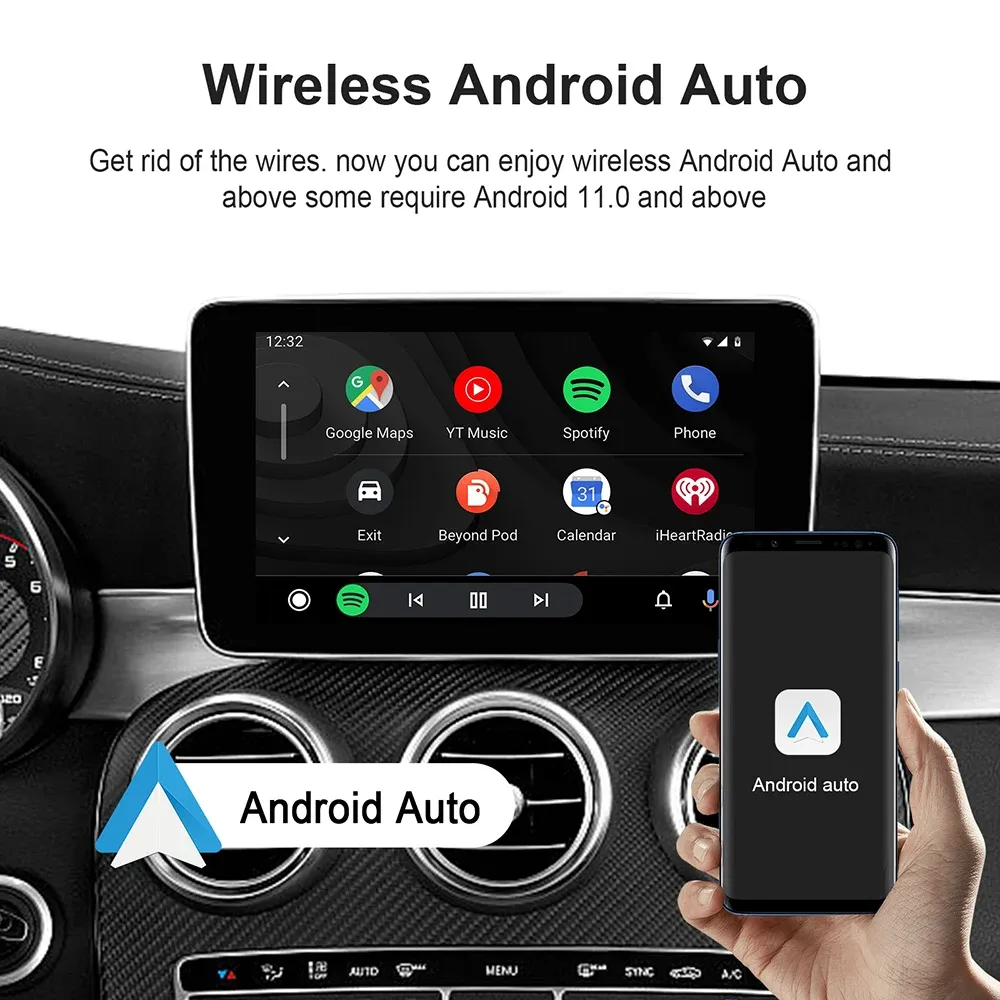
This device is strongest for drivers who want to preserve the original dashboard while adding modern app access. Compared with a full Android head unit, it is faster to install and far less invasive, but it also inherits the limits of the factory display and vehicle software.
Real-world reviews point to good results on several universal-fit cars, with users praising quick arrival and smooth operation, though a minority mentioned intermittent reliability after initial use. That mix suggests the box can be very effective for the right vehicle, but it rewards careful compatibility checking before you commit.
What to check before installation
- Your car must already have CarPlay support.
- USB power and data must be available through the factory port.
- Wireless performance depends on the vehicle’s infotainment response and signal environment.
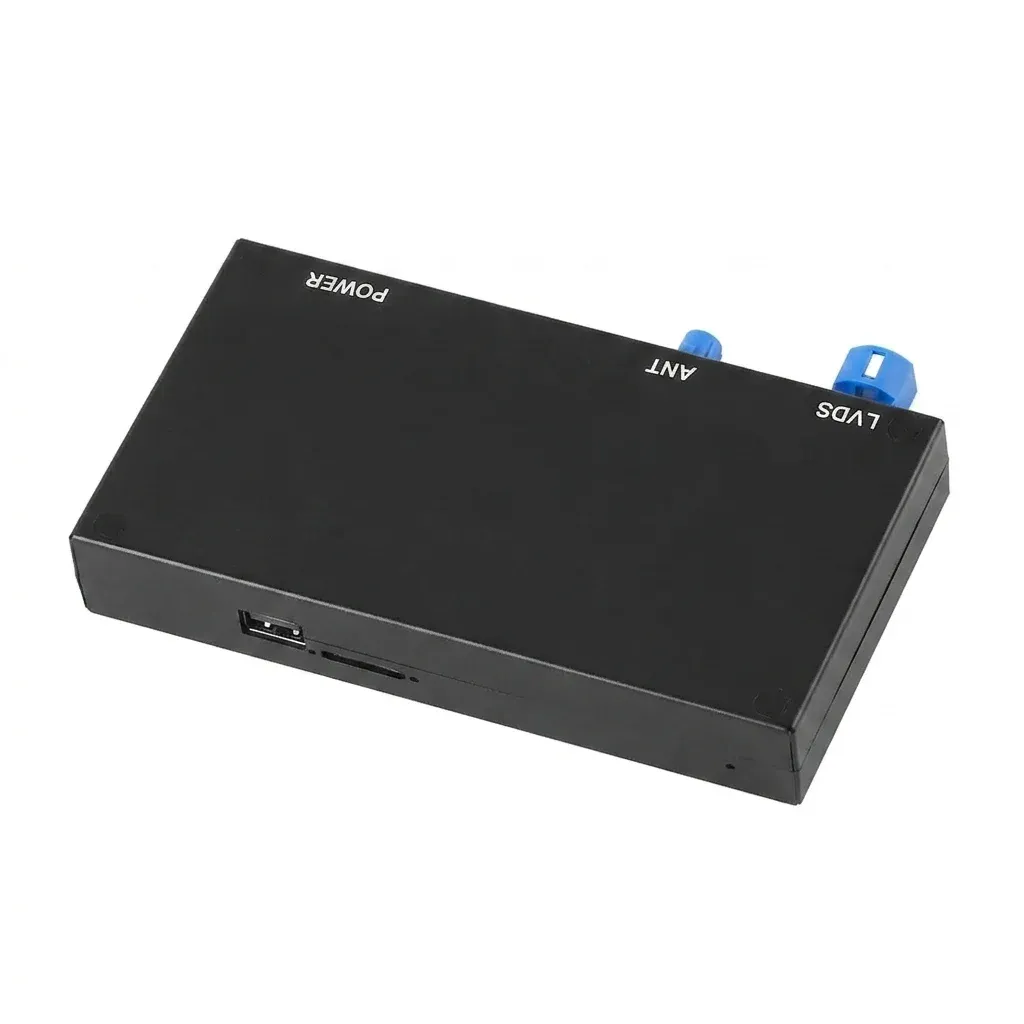
- TF card support up to 128GB gives extra storage for selected use cases.
For drivers trying to modernize a factory screen without losing the original interface, that combination is hard to ignore. The next question is whether the feature set is worth the small trade-offs in compatibility and software consistency.